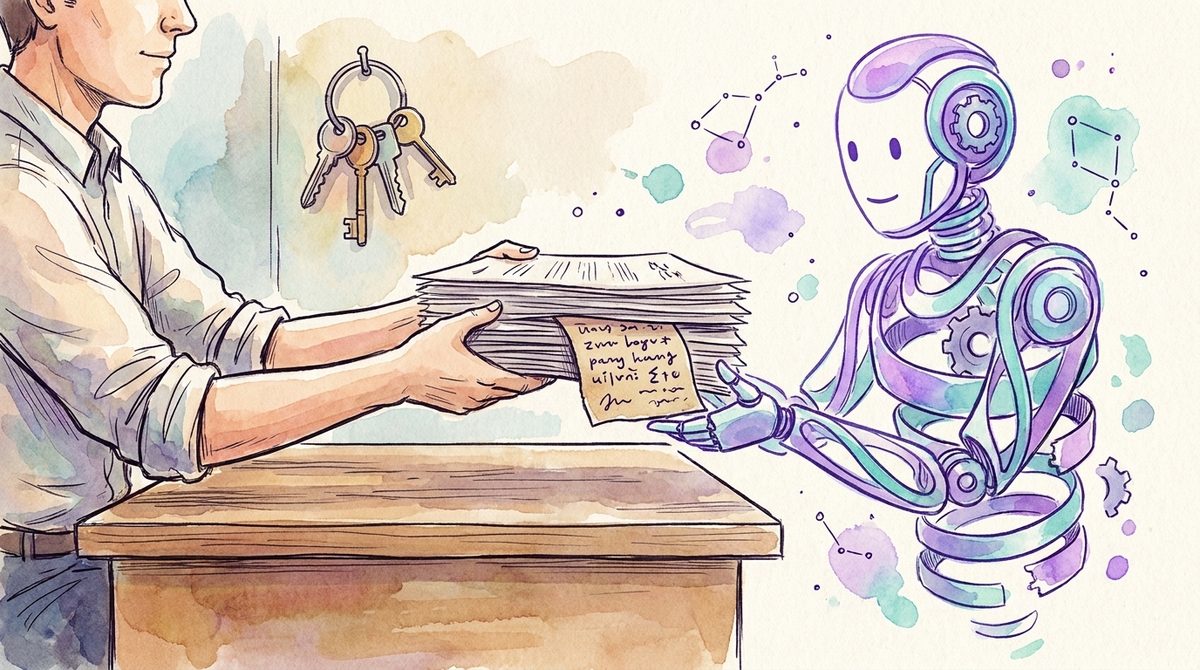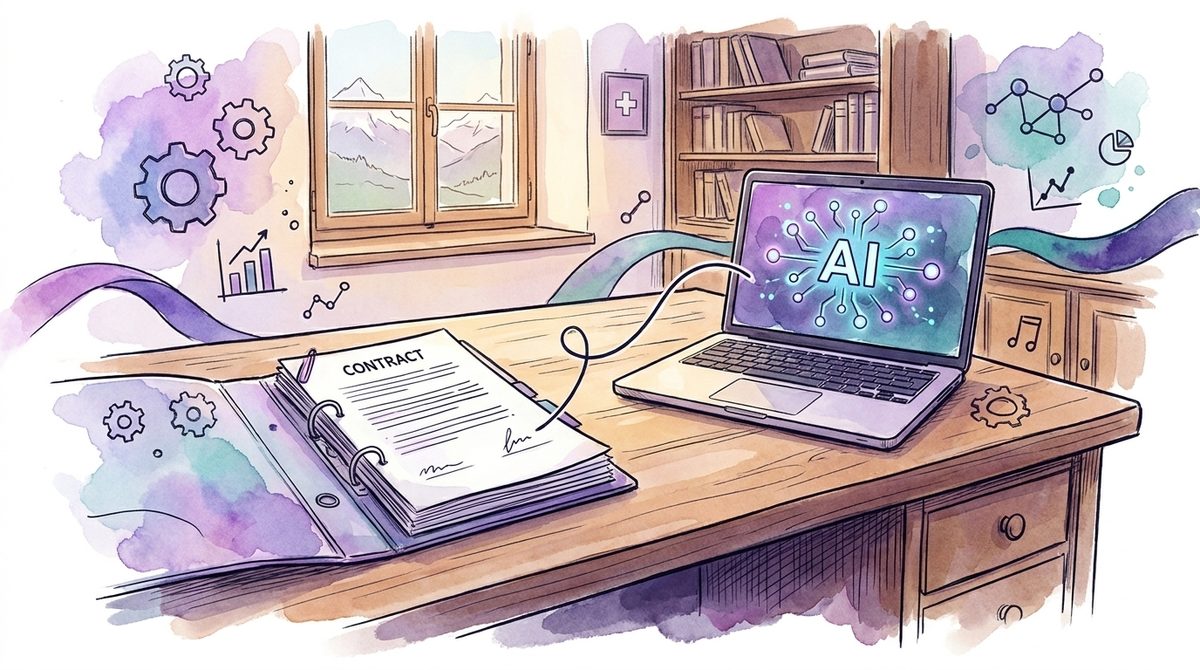

The first AI in a Swiss SME is rarely purchased. It gets switched on, by the vendor, inside a subscription that has been running for years.
In our experience the pattern looks the same everywhere. At a forty-person fiduciary firm, management notices that the meeting notes from one department have been complete for a few weeks, neatly structured and with an action list. The team lead who sends them installed nothing and ordered nothing. An icon appeared on the left in his Outlook that was not there before, and he clicked it. Four weeks later the board asks about the AI strategy. The honest answer is: we do not have one, but we have been using AI for a while.
At this point most companies reach for a policy. Understandable, only it is the second step. A rule that does not know what it refers to stays a document in a folder. Before that comes the more boring work: building an AI inventory.
What is an AI inventory?
An AI inventory is a list of the AI tools and AI features in use across a company. For each entry it records who works with it, which data categories may go into it, which account the access runs through and who inside the company is responsible for it. It is an operational list for your own overview, not a compliance document for the archive.
What separates it from a tool list is the account column. A tool name tells you little about which commitments apply to your data. The account tells you.
The AI you already pay for
Microsoft writes it plainly in its own documentation: Copilot Chat is available at no extra cost to everyone who signs in with a work or school account and holds a qualifying Microsoft 365 subscription. Business Basic, Standard and Premium are included, as are E3 and E5. In the Copilot Chat FAQ Microsoft writes that the feature is automatically included and available to organisations with a Microsoft 365 subscription. And Microsoft pins it into the navigation bar from the start for most eligible users, in the Copilot app, in Teams and in Outlook.
At Google the same pattern runs under different names. The AI features previously sold as the Gemini add-on have been part of the Business and Enterprise editions of Google Workspace since January 2025. At Zoom, account owners and administrators decide whether the AI features are active for all users, for individual groups or not at all.
This is not a criticism of the vendors. A subscription that contains more than it did last year is a good deal to begin with. It only moves the moment at which somebody decides. In the past a department procured software, and by the time the invoice arrived management knew the software existed. Today the feature appears inside an application that was approved long ago. There is no invoice to make anyone look.
That is why you find two kinds of AI in most companies. One kind employees brought in themselves because the company tool was missing; we wrote about that in our piece on shadow AI in companies. The other kind the vendor switched on. The second kind is harder to find because nobody is hiding it.
Which account is someone signed in with?
The window looks the same. The contract behind it is a different one.
Anyone who signs in with the work account falls under the enterprise data protection Microsoft calls exactly that. Microsoft logs prompts and responses, retains them, makes them available for audit, eDiscovery and Purview, and by its own commitment does not use them to train the foundation models. IT does not have to switch anything on for this. It applies from the moment of sign-in.
Anyone who opens the same app with a personal Microsoft account sits in a different position. Microsoft separates chats, files, permissions and protection commitments according to the account used, and recommends that organisations tell their people to sign in with the work account. That is a communication task and it costs nothing. It removes a part of the problem that a tool would otherwise have to discover later.
Without an additional Copilot licence, Copilot Chat cannot reach the data in SharePoint or in the Microsoft Graph. Users can, however, upload files directly into the chat, and those files then sit in that person's OneDrive. Here the route company data takes into the model runs through the upload, not through the permissions. With the licensed version it is the other way round, there the assistant inherits the existing read rights; we took that apart in rolling out M365 Copilot securely. For the inventory this means both variants belong in it, with different risks in the column next to them.
And if you unpin Copilot Chat in the apps, the access is not gone. Microsoft states itself that unpinning does not remove access and that users can still reach the feature through the Copilot app and other entry points. Unpinning makes it invisible. Blocking is a different switch.
Which AI tools does my company use?
The answer sits in documents you already have. Five places are enough for the first pass.
- The company subscription list. In our experience most SaaS subscriptions running longer than a year have gained AI features by now, without price or contract changing.
- The admin consoles: Microsoft 365 admin center, Google Workspace administration, the Zoom admin portal. There you can see which features are switched on and for whom.
- The browser, meaning extensions and permanently signed-in web services. You will find the most among people who write or translate a lot.
- The credit card and expense statements. Individual subscriptions in the low double digits rarely show up in IT, but reliably in accounting.
- The line-of-business applications. Fiduciary, ERP and industry software gets assistants through updates. A deliberate approval for them is usually missing because the question was never put.
What you do not need for this is a tool that sells you an AI inventory. A spreadsheet is enough for the first version. It is the same unspectacular principle as with the asset inventory: boring, and still the foundation for everything that follows.
What belongs in the list
Four columns are enough: the tool or feature under the name people use in-house; who works with it and for what; which data categories may go into it; which account the access runs through and which contract therefore applies.
The data category column creates the most work, because it forces a decision that has stayed open until now. Which data may go into which tool is something we worked through in what company data may go into ChatGPT. Whether a usable data processing agreement even exists for your account is the second half of the same question.
A column for the responsible person is optional while the list is short. Past roughly a dozen entries it stops being optional.
Why the list is worth having when no customer asks for a certificate
On 8 May 2025 the Swiss Federal Data Protection Commissioner stated that the Data Protection Act is formulated in a technology-neutral way and therefore applies directly to AI-based data processing. Manufacturers, providers and users of AI systems have to make the purpose, the way it works and the data sources of that processing transparent. Affected persons have a legal right to know whether they are talking to a machine and whether their inputs are processed further. Users, in that sentence, means you. You can only give that information if you know what is running in your company.
If a customer later asks about ISO/IEC 42001, the AI inventory becomes the starting point. Annex A of the standard requires documentation of the resources of an AI system, and the standard also covers merely using AI, not only developing it.
Then there is the cost side, which rarely comes up in these discussions. In our experience a first pass through the statements turns up several individual subscriptions for features already included in the existing company subscription. That makes the AI inventory a cancellation list too, following the same pattern as consolidating security tools.
And if you would rather not set this up yourself: the inventory and the assessment of what it turns up are the first step of our work on AI governance and secure AI adoption.
Starting without turning it into a project
Building an AI inventory means putting the subscription list, the admin consoles and the last three credit card statements next to each other once and writing down what comes out. The first version will be incomplete. An incomplete list is still worth more than the assumption that there is nothing to list. After that the AI policy that is coming anyway has something concrete to refer to.
If you want to know what is running at your company without climbing through the admin consoles yourself, talk to us. A first conversation is non-binding.
Which AI feature is running in your company without anyone having decided on it?
Frequently asked questions
What is an AI inventory?
An AI inventory is a list of the AI tools and AI features in use across a company. For each entry it records who works with it, which data categories may go into it, which account the access runs through and who inside the company is responsible for it. It is an operational list for your own overview, not a compliance document for the archive.
Which AI features are already included in Microsoft 365?
According to Microsoft's documentation, Copilot Chat is available at no extra cost to everyone who signs in with a work or school account and holds a qualifying Microsoft 365 subscription, including Business Basic, Standard and Premium as well as E3 and E5. Microsoft pins the feature into the navigation bar from the start for most eligible users.
Do I need an AI inventory if no customer asks for a certificate?
Yes. In 2025 the Swiss data protection commissioner stated that the Data Protection Act applies directly to AI-based processing and that users must make purpose, functioning and data sources transparent. You can only give that information if you know which AI is running. The inventory also surfaces individual subscriptions you are paying for twice.