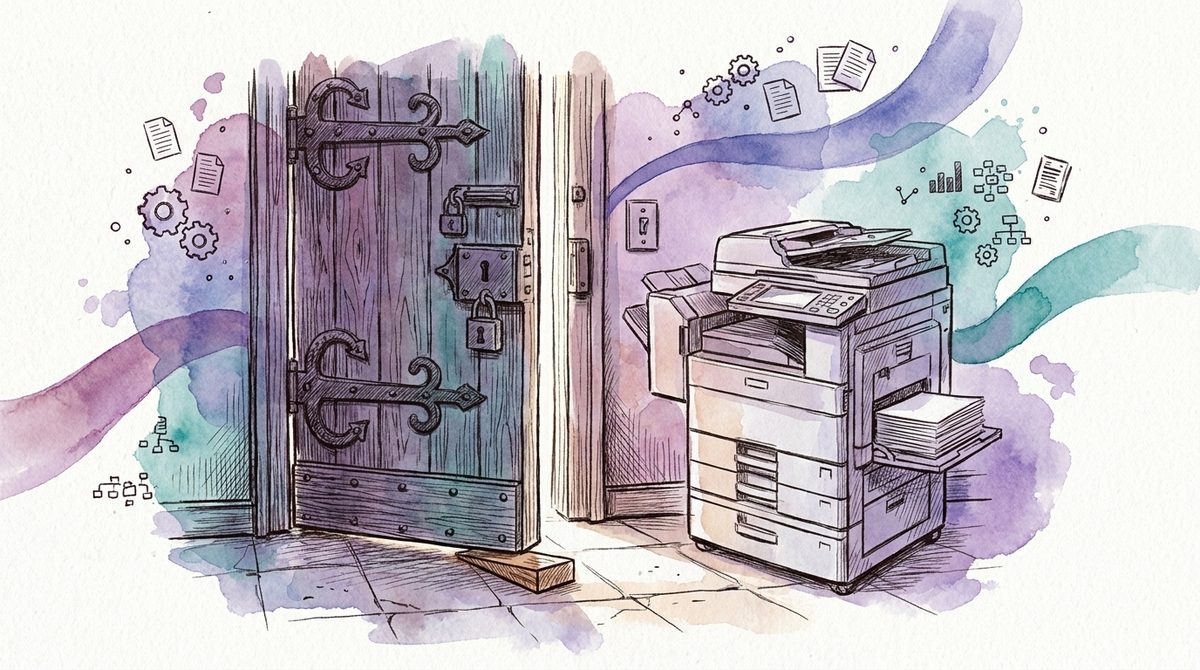
Microsoft 365 hardening projects rarely fail on the technology. The reason is standing in the corridor: a multifunction printer that sends scans by mail, over a protocol that has counted as insecure for years.
The hardening goes live, the printer goes quiet, accounting calls. Someone in IT grants an exception so that Monday can continue. That is the right call. Two years later the exception is still there, nobody remembers what it was for, and the hardening exists in the documentation but not in the tenant.
Vendors sell hardening as a list of settings. The list is the easy part.
What is already hardened in your tenant
Before you configure anything, look at what Microsoft switched on by itself. The feature is called security defaults, and according to Microsoft it is rolled out to all new tenants at creation. If your tenant was created on or after 22 October 2019, the switch was very likely on from day one.
The protection reaches further than administrator sign-in. All users have to register for multi-factor authentication, the listed administrator roles have to pass it at every sign-in, legacy authentication protocols are blocked, and access to the Azure portal and the Entra admin center requires a second factor. Since 1 July 2026, all new tenants also block the device code flow, the sign-in path that uses a code you type on a second device.
Microsoft backs this with a number of its own: more than 99.9 percent of the common identity-based attacks are stopped by multi-factor authentication and by blocking legacy authentication. That is the vendor's figure, not one from an independent institute, and it describes the common attacks, not the targeted one. It is still useful, because it shows where the biggest lever sits: with identity, and therefore included in every subscription.
The first question in a hardening exercise is therefore a check. Is this baseline still on at your place, and if not, who switched it off and what for?
The mistake that turns hardening into a gap
Security defaults have exactly two states. On or off, no fine tuning. If you want to differentiate, you need Conditional Access, and Microsoft prescribes a clear order for that: organisations that implement Conditional Access policies to replace security defaults must disable security defaults.
This order is where teams lose the protection. Someone switches security defaults off on a Thursday, builds two policies the same day, and the rest moves to the next round. In our experience that next round takes weeks. In the meantime the house is less protected than before the hardening project started, and nobody notices, because the project shows green in the status report.
The route via Conditional Access is right. Microsoft itself calls security defaults a good baseline that lacks the customisation many organisations require. For the transition, Microsoft provides managed Conditional Access policies that cover the same four points: blocking legacy authentication, a second factor for Azure management, for administrators and for all users.
Business Premium customers have been paying for the licence all along. Microsoft confirms in the Business Premium FAQ that Entra ID P1 is included in Business Premium, and P1 is the tier that unlocks Conditional Access. Which licence tier covers what is in Business Premium or E5. How to cut the policies in an SME is in Conditional Access in an SME.
One detail belongs on the list before anyone flips the switch: Microsoft recommends two cloud-only accounts with a permanent administrator role that belong to no particular person, for the case where everyone else is locked out. Create them after the first lockout and you have created them too late.
Secure Score is a measurement, not a target value
Hardening conversations end up at a number sooner or later. According to Microsoft, Microsoft Secure Score is a measurement of an organisation's security posture, where a higher number means more recommended actions have been taken. The same document carries a second sentence that rarely shows up in the proposals we see. The score is not an absolute measurement of how likely a breach of system or data is, and it should not be interpreted as a guarantee against a security breach in any manner.
Two further points from the documentation change how you read the list. First, Microsoft deliberately shows the full set of possible recommendations for a product, regardless of edition, subscription or plan. Part of your task list therefore belongs to features you have not licensed. Second, Microsoft states that security has to be balanced with usability and that not every recommendation can work in every environment.
The mechanics are quickly told. Each recommended action is worth ten points at most, and Microsoft scores most of them in a binary fashion. Partial coverage gives partial points; Microsoft's own example is five of ten points when 50 of 100 people are protected with multi-factor authentication. On top of that comes a comparison with similar organisations, and with it the temptation to turn someone else's number into your own target.
You know the pattern from the ICT minimum standard, which also refuses to name a target value and leaves the protection level to the organisation. A number opens the conversation. Someone at your place has to decide it.
Microsoft built in the exception. You have to own it.
Secure Score contains one sentence that carries the whole hardening discussion: if you can't or don't want to enact one of the recommended actions, you can choose to accept the risk or remaining risk.
So the vendor anticipated the exception. An exception is a legitimate state. You find the same pattern in Defender for Office 365. The Built-in protection preset security policy applies to all users in organisations with any number of Defender for Office 365 licences. The button for deviations is called, word for word, Add exclusions (not recommended). Microsoft writes the verdict straight onto the button.
What the product cannot supply is the attribution. In our experience, exceptions are created by whoever happens to be on the phone when something stops working. In the documentation we see afterwards, the exception rarely appears, and in a review almost never. Three pieces of information are enough to turn a quiet rollback into a decision: who needed the exception, who accepted it, and until when it applies. Without the third, the hardening erodes without anyone doing anything wrong.
The point behind this is uncomfortable and has nothing to do with Microsoft 365. A residual risk is not accepted by the person with the administrator rights, but by the person who answers for the damage. In many SMEs that is the same person, and no setting solves that. If nobody at your place carries these decisions and reviews them regularly, that is where we come in on a mandate: the ongoing operation of the security work, not another configuration project.
Where hardening ends and a migration project begins
Part of what runs under the hardening label consists of planned projects with a budget. And when someone treats them as a setting, you get exactly the exception that belongs to nobody in the end.
The printer from the corridor is one of them. Line-of-business applications and devices that send over old mail protocols lose access as soon as legacy authentication is blocked. Microsoft warns in its own documentation against enabling security defaults without first checking whether administrators are still using older protocols. The fix is a change to the device, not a checkbox.
Two further cases from the same documentation are easy to miss. Exchange Online tenants created before 2017 have modern authentication disabled by default. And the synchronisation accounts of Entra Connect are excluded from security defaults, which is why Microsoft adds that this account should not be used for anything else. Use it anyway and you are running an account with far-reaching rights and no second factor.
On top of that come two areas the tenant does not cover at all. The laptop in the user's hands is a question of its own, including the uncomfortable variant of who is allowed to wipe it. And the permissions on your data decide what an assistant sees the moment you switch one on; we covered that in rolling out M365 Copilot securely.
What you do not have to buy for this
Hardening a tenant is one of the few areas where almost everything you need sits in the subscription you already have. Four items still cost money regularly without changing anything:
- a tool that assesses your tenant and ends up reading out the Secure Score that the Defender portal shows for free
- a second product for multi-factor authentication next to the one already licensed in Business Premium
- a two-hundred-line hardening checklist that belongs to nobody and therefore ends up in a drawer after the third call from accounting
- an external audit across all settings as a first step, before anyone has clarified who gets to decide on exceptions
The systematic route to items like these is in consolidating security tools. What is worth money is the hour in which someone determines which exceptions stay and who carries them. That hour is unspectacular and hard to sell as a project.
Two views that say more than any checklist
If you want to know where your Microsoft 365 hardening stands, you do not need a questionnaire. Open the Entra admin center and check whether security defaults are on or off. If they are off, find out which Conditional Access policies replaced them and since when. Then open Secure Score and look at the recommendations someone marked as accepted risk. If a name and a date are there, your hardening status is evidenced. If nothing is there, you know your first task, and it is not a technical one.
If you want to walk through this together once, without a tool list and without an outside score, a first conversation is free of obligation. One question interests us as well: if a hardening measure was rolled back at your place in the last twelve months, do you still know who decided that?
Frequently asked questions
What does Microsoft 365 hardening mean?
Hardening means tightening a tenant's default settings, which ship tuned for maximum compatibility. In practice that comes down to a few decisions on the sign-in layer, on devices and on permissions. The effort is not in switching things on, but in handling the exceptions that follow.
Are security defaults already active in my tenant?
According to Microsoft, security defaults are rolled out to all new tenants at creation, and tenants from 22 October 2019 onwards start with them. You can check this in the Entra admin center under properties. Organisations using Conditional Access must disable security defaults, so policies replace the baseline.
Do I need an extra tool for Microsoft 365 hardening?
In most SMEs, no. Secure Score sits in the Defender portal, and Conditional Access comes with Entra ID P1 included in Microsoft 365 Business Premium. Money is better spent on deciding which exceptions stay and who answers for them than on a tool that reads out values you already have.