The decision is made, the licence count should come down. Then the console reports that this is not possible right now.
This is where cost decisions in IT security stall. The reason rarely sits inside the company. It sits in a contract mechanism that moves at different speeds in each direction, and that almost nobody reads before they need it.
Which tools can go at all is the question before this one, and we answered it in our article on consolidating security tools. This one is about the question after it: what does the contract allow, and by when?
Buying works any day, cutting only on a deadline
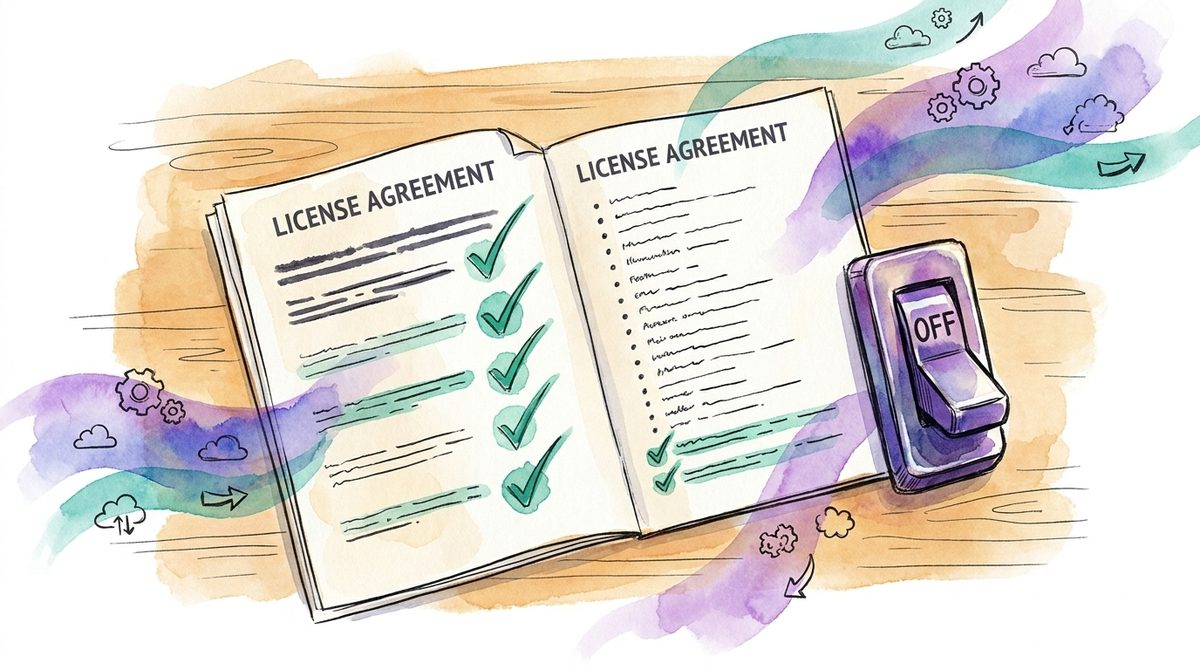
Microsoft describes the mechanism in its documentation on buying and removing licenses: «you can buy more licenses for your subscription at any time. However, you can only remove licenses from your subscription if it's within seven days of buying or renewing your subscription.» Upwards any time, downwards seven days.
The same window applies to cancellation. The page on cancelling a business subscription says: «You can only cancel and receive a prorated credit or refund if you cancel within seven days after the start or renewal of your subscription.» For everything after that: «If more than seven days have passed since your subscription started or renewed, turn off recurring billing. Turning off recurring billing prevents your subscription from renewing at the end of its term. You keep access to your products and services for the remainder of your subscription.»
In plain terms: miss the window and you pay for the existing quantity until the end of the term. None of this is a penalty, it is an ordinary minimum term. In daily operations it still feels like a price increase, because the quantity comes from a year in which the company looked different.
The default setting points the same way. For subscriptions paid by card or billing profile, Microsoft states on the page about recurring billing: «recurring billing is turned on by default». Doing nothing means carrying on. And doing nothing is the most likely state of a company where nobody tracks the expiry dates.
No single vendor invented this. Google puts it even more briefly for the Workspace annual plan: «You can reduce licenses only when renewing your plan at the end of the contract.» You can buy more all year, and correct downwards on one day of the year.
Put those two directions side by side and you see why a decision taken in February only takes effect in November. The decision has an expiry date, and between decision and effect sits a full term in which the old quantity keeps running.
That also shifts where the money sits. A few percent of discount on a quantity that is a third too high is no saving, it is a friendly gesture. Quantity and scope decide the invoice, not the price per unit. We describe the same pattern in our article on how licence management becomes a cost driver.
Your deadline sits before the renewal date
This is where the arithmetic goes wrong in practice. The date in the contract is not the day you have to act. It is the day acting is over.
Between the two sits the notice or reduction period. If the contract states three months, then 30 November is an August deadline for you. Buying through a partner adds their own lead time, because the notice has to travel through a second company.
So it is worth tracking two dates per contract: when the term ends, and when you have to have decided. The second one is the only one that belongs in a calendar. In our experience the two dates sit a quarter apart on the larger items, and that quarter is exactly what most cost-cutting efforts are missing.
What to check before you can reduce security spending
The decision on the deadline is only as good as the work before it. Three things are better sorted out well in advance.
Paid versus assigned
The first is a pair of numbers: the quantity paid for and the quantity assigned. In many environments the two drift apart, because leavers do not take their licence with them. A trap waits here that Microsoft names on the same licence page: «You can't reduce the number of licenses for your subscription if all licenses are currently assigned to users. To reduce the number of licenses, first unassign one or more licenses from users, then remove the licenses from the subscription.»
So the clean-up belongs before the window, not inside it. If you discover on the deadline that a dozen accounts of former staff still hold an assignment, the reduction will not go through in time. How such an overview comes about in the first place is described in our article on the asset inventory.
Which term is actually running
The second is the term, and a common misunderstanding sits here. A monthly invoice does not mean the contract ends monthly. Microsoft spells it out on the cancellation page linked above: «If you have an annual subscription and are paying monthly, you're charged each month for the remainder of your subscription term.»
Anyone who believes a monthly payment schedule means flexibility may be holding an annual contract with twelve instalments. The payment schedule is on the invoice, the term is in the contract, and only the second one determines when you can change anything. Which licence tier is the right one is a separate question, which we covered in our comparison of Business Premium and E5.
Who signs
The third one is the uncomfortable one. On the deadline you need a person who is allowed to decide, and that person has to be named in advance. If you buy through a partner, the button is not even in your own admin console. Microsoft points to the partner for this case: «If you bought the subscription through a Cloud Solution Provider (CSP) partner, contact your CSP partner.»
That extends the chain by at least one response time. Sending the reduction by email on day six means relying on somebody being at their desk on day seven.
The reduction can be scheduled in advance
The window is narrow, but you do not have to be awake inside it. Microsoft documents a second option for licence changes: «If recurring billing is turned on, you can choose to make the change now, or when the subscription renews.» The smaller quantity can be scheduled for the renewal date as soon as the decision is made.
That moves the whole exercise out of the deadline and into a time when somebody can think calmly. This is the difference between a measure and an intention.
One detail on this sits on the recurring billing page, and it otherwise costs money exactly once: «Turning off recurring billing cancels any existing scheduled changes you have for a subscription.» Schedule a reduction first and switch off the renewal afterwards, and the scheduled change is gone. So decide what happens to the contract first, then schedule the quantity.
What a row needs for the window to be usable
Many companies now keep an overview of their security contracts. Most of them hold the expiry date and little else, which decides nothing on the deadline. Four entries per contract turn the overview into a working tool: the notice period as it stands in your own contract, your own decision date calculated from it, the paid quantity next to the assigned one, and the person allowed to sign.
What applies to you sits in your contract, not in a help article. The statements above describe the standard subscriptions of the two vendors. Contracts through a partner, with volume discounts or multi-year terms have their own rules, and those sit in the clauses. What to look for there is collected in our article on vendor contract clauses.
Where cutting on the deadline goes wrong
Two things regularly go wrong. In the first, somebody uses the window without having established who covers the function afterwards. What you get is a gap with a credit note. That clarification belongs before the window, and it is the question our article on consolidating security tools works through.
In the second, the review starts too late. Under time pressure, renewing is the safe answer, because three days before the deadline nobody takes responsibility for switching off something they have not thought through. That is why the working session sits two months before the window rather than inside it.
Cheaper is not the same as right-sized. Some companies pay more for one item after this review and drop two others. The logic behind that sits in our article on right-sizing IT security. The goal is a justified quantity, not the smallest one.
Having somebody track these dates and be able to decide on the deadline is part of the work that comes first in our fractional CISO engagements. None of it is difficult. The task simply hangs in the gap between IT, procurement and finance, and few people reach for it there.
The deadline before the date
Running a security item smaller is rarely a negotiation. It is a question of preparation. The assignments are cleaned up, the deciding person is named, the notice period is subtracted from the renewal date. With that in place, the actual step inside the window takes a few minutes.
Without it, the old quantity runs for another term, and nobody in the company did anything wrong. That is the awkward property of these contracts: they do not punish mistakes, they punish lateness.
Which of your security contracts renews next, and when would you have to have decided?
If you cannot answer that question right now, it is a good moment to build the list together. A first conversation is free of obligation.
Frequently asked questions
When can I reduce security licences?
Only in a narrow window. Microsoft takes licences back within seven days of the start or renewal, and the Google annual plan allows reductions only at renewal. Buying more is possible any time. Miss the window and you pay for the existing quantity until the end of the term.
Why can a licence not be removed?
Usually because it is still assigned. Microsoft does not allow a reduction while all licences are assigned to users. Unassign first, then lower the quantity. That clean-up belongs before the window, because seven days is rarely enough for it.
Does paying monthly mean I can cancel monthly?
No. Payment schedule and term are two different things. On an annual subscription paid monthly, Microsoft continues to charge each month for the remainder of the term. The payment schedule is on the invoice, the term is in the contract, and only the term sets the deadline.