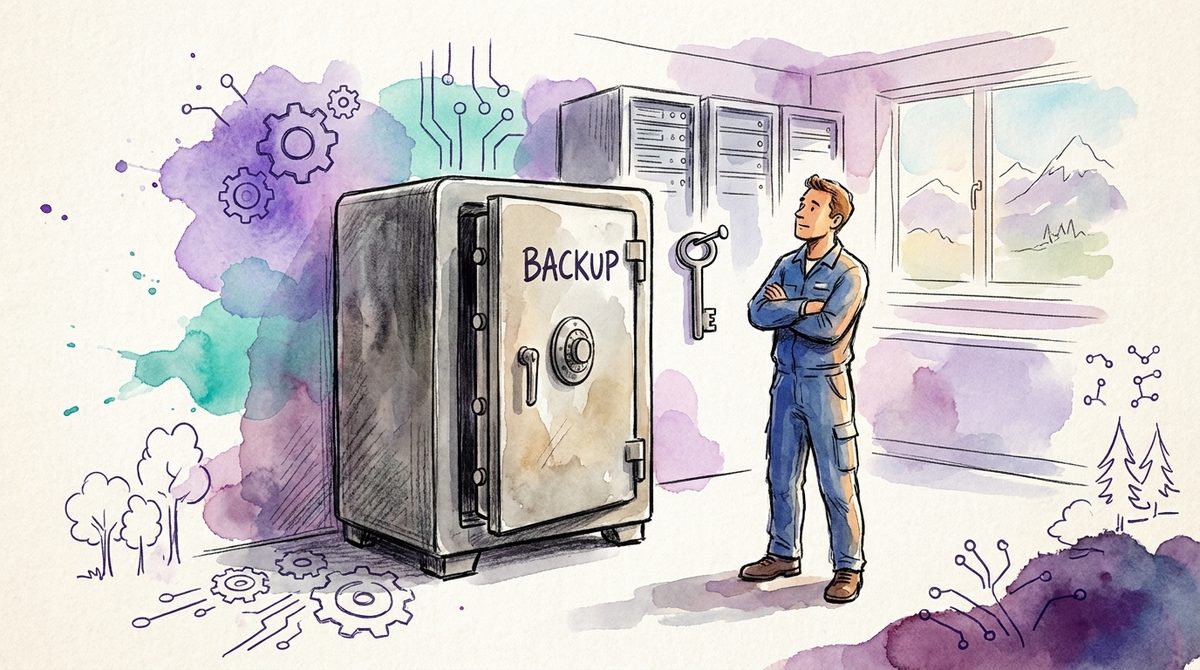
In the cases we have worked on, the first question after a ransomware incident was rarely "which tool failed". It was: "can we still reach the backups?"
That answer is decided weeks earlier, not during that night.
Ransomware protection in an SME still gets treated as a purchasing topic. There is a product category, a vendor with a good demo, a budget. What there is not is a button that solves the problem. That sounds more discouraging than it is. The things that help are unglamorous, mostly paid for already, and can be sorted out in a few weeks.
79 cases in six months
Let us start with the number that rarely comes up in a sales conversation.
The Swiss Federal Office for Cybersecurity published its half-year report on 24 August 2026. For the first half of 2026 it records 27,128 voluntary reports and 200 mandatory cyber incident reports. The number of reported and observed Swiss ransomware cases for that period stands at 79.
79 cases in half a year, for the whole of Switzerland. That is not a wave sweeping up everyone. Anyone telling you otherwise is selling you something.
Two qualifications belong with it. The first: those are reported and observed cases, not all cases. An SME that pays quietly or handles the damage internally appears in no statistic. The real number is higher, and how much higher nobody knows. The second: low frequency does not describe low risk. An event that happens rarely and then halts your operation for a week works out differently from one that happens constantly and costs little. The report also notes that the active ransomware families are increasingly diversifying and fragmenting. What that means for you is mainly this: tuning your defences to the tools of one particular group buys little, because the groups change. The entry routes stay.
The useful stance sits between panic and a shrug. Ransomware is unlikely and expensive. So the question worth less of your time is "how do we prevent this", and the question worth more is "how quickly are we back up".
Ransomware is the end of an attack, not the attack
Most misdirected investment hangs on this one misconception.
Ransomware looks like its own category of threat because it ends so visibly. Encrypted files, a production line standing still. But the encryption is only how the attacker turns the intrusion into money at the end. The road there is ordinary break-in work and looks similar in most cases.
It starts with access. A password from a phishing mail, a VPN account without a second factor, a remote maintenance connection that has been open for years and belongs to nobody. Then comes a quiet phase in which somebody looks around, collects permissions and works out where the valuable data sits. That phase often runs for days, sometimes weeks. It is quiet because being quiet pays.
And then comes the step most plans leave out. Microsoft puts it plainly in its reference architecture for ransomware-resilient backups: ransomware operators frequently target backup infrastructure first to eliminate recovery options before they attack production systems.
So whoever encrypts your data has already made sure you cannot simply pull it back. Otherwise the extortion attempt would be pointless.
That leads to something uncomfortable for the budget discussion: protection against ransomware is largely the same protection as against everything else. Whoever stops credentials from leaking and stops a single account from being allowed too much also blocks the road to encryption. How those layers work together is described in our post on phishing prevention in your business.
For the management team that has a pleasant side effect. You do not have to open a separate budget for every buzzword. The same work on identities and permissions pays off against ransomware, against mailbox account takeovers and against the supplier questionnaire your largest customer will send next year. That is unusual, because in IT security almost every other answer means a new invoice.
Why "ransomware protection" does not work as a product category
A product with "ransomware" on the box usually covers one piece of that chain. Most often the last piece, meaning the detection of suspicious encryption activity on endpoints. That is not worthless. It is just late. By that point somebody has been in the network for two weeks and has already touched the backups.
The larger share of what helps is licensed in many SMEs already and simply switched off. Multi-factor authentication on every remote access route, including the forgotten ones. Rules that tie a sign-in to location, device and state instead of to the password alone. Separate accounts for administrative work. None of it is new, none of it costs extra, and that is why it rarely reaches the agenda. Something new has an advocate, something unused has none. We worked the numbers on that using the example of Conditional Access in an SME.
In our experience the reflex after the first moment of fright is almost always the same: an additional licence. The company feels better afterwards because it has acted, and has increased the number of tools nobody looks after. More protection rarely comes out of it. What does come out of it is another console that nobody opens when it matters. How to get out of a stack like that is covered in our post on consolidating security tools.
Who can delete your backup?
This is the question that decides the damage, and you can answer it in a single morning.
Most companies check two things about their backups: is it running, and can it be restored. Both are right and both answer the wrong question. With ransomware what counts is whether the backup is still there at all when you need it. A backup that can be deleted with the same administrator rights the attacker stole is not a backup when it matters. It is a copy in the same building.
Microsoft states the counter-design in that same architecture soberly: soft delete and immutability prevent attackers or compromised admins from purging recovery points within the retention window, which preserves the ability to recover even after credential theft. The same source recommends separating backup administration from day-to-day production administration, and requiring approval by a second person for critical data, so that a single hijacked account cannot switch the protection off.
Translated into the language of an SME that means three things, and none of them is a project.
First: the backup has to be undeletable for a defined period, including by your own administrator. Common backup products and cloud services can do this today, in many cases at no extra charge. It is rarely switched on.
Second: the account used for backups must not be the same one used for daily administration. Bundling both into one sign-in removes the separation you are paying for.
Third: somebody has to have tried, at least once, to pull something back out of that backup. An untested recovery concept is an assumption, not protection.
For Microsoft 365 the same idea applies with its own twist, because there the recycle bin, retention and backup are three different things that get mixed up easily. We sorted that out separately: Does Microsoft 365 need a backup?
Hardly anyone rehearses the hours afterwards
This part gets discussed least, because it costs nothing and still gets left undone.
When an incident is running, it is responsibility that decides the damage in the first hours. Who is allowed to stop production? Who talks to the customers, and with which sentence? Who decides whether you restore or negotiate, and who is allowed to wake that person at three in the morning? On top of that comes a deadline that is easy to miss: in our experience the cyber policy requires notification within a narrow window, and whoever cleans up first and reports afterwards puts the cover at risk.
These are not technical questions. They are questions for the management team, and in our experience they get asked for the first time at the moment they should already have been answered. That is how the expensive hours happen. Recovery rarely fails on the technology. It fails because at the moment of decision nobody is authorised to start it.
Microsoft compresses the technical side into one sentence that holds for the organisational side too: a backup architecture that you do not exercise provides only theoretical protection. Rehearsing does not have to be a big production. An hour around a table, with an invented scenario and the people who would be in the room for real, surfaces most of the gaps. The usual finding after an hour like that is rarely a missing technology. It is a phone number nobody has, or a decision nobody is allowed to make.
If nobody in the company has the time to keep these questions open and stay on them, that is the gap we close with security management and operations: not as another tool, but as the person who maintains the procedure before it is needed. What else belongs to it is in our post on incident response readiness.
The test you can run on a Tuesday
The ransomware protection that changes something in an SME looks disappointingly ordinary. No new platform, no two-year programme. It is enough if stolen credentials do not immediately open the whole house, if the backup outlives whoever holds those credentials, and if it is settled who decides when it matters. That is work on responsibilities and settings, not a budget question, and that is why it so rarely reaches an agenda. Do it honestly once and you have a better answer for the next board meeting than any product list.
On any Tuesday, sit down with the person who looks after your backups and ask one question: if your account were in the wrong hands today, how much of our backup would still be there tomorrow?
What happens in the room at that moment tells you more about where you stand than any report. And if you would rather have the answer structured than from the gut, get in touch. A first conversation is free of obligation and costs you half an hour.
Frequently asked questions
How does an SME protect itself against ransomware?
Not with a dedicated ransomware product. Three things work, and they are usually licensed already: multi-factor authentication on every remote access route, separate accounts for administrative work, and a backup that cannot be deleted for a defined period. Add a decision path that somebody has rehearsed once.
How many ransomware cases are there in Switzerland?
The Swiss Federal Office for Cybersecurity reports 79 reported and observed Swiss ransomware cases for the first half of 2026 in its half-year report of 24 August 2026, against 27,128 voluntary reports in total. Those are reported cases, not all cases. Companies that pay quietly appear in no statistic.
Why do attackers delete the backup first?
Because extortion would be pointless without that step. Microsoft states in its reference architecture that ransomware operators frequently target backup infrastructure first to eliminate recovery options. A backup that can be deleted with the stolen administrator rights therefore does not help when it matters.